Equipment orientation
Identify major assemblies, controls, access points, hazards, and the intended work area.
Immersive safety training
Step by step augmented reality guidance that helps a learner connect instructions, components, tools, and checks to the actual machine in front of them.
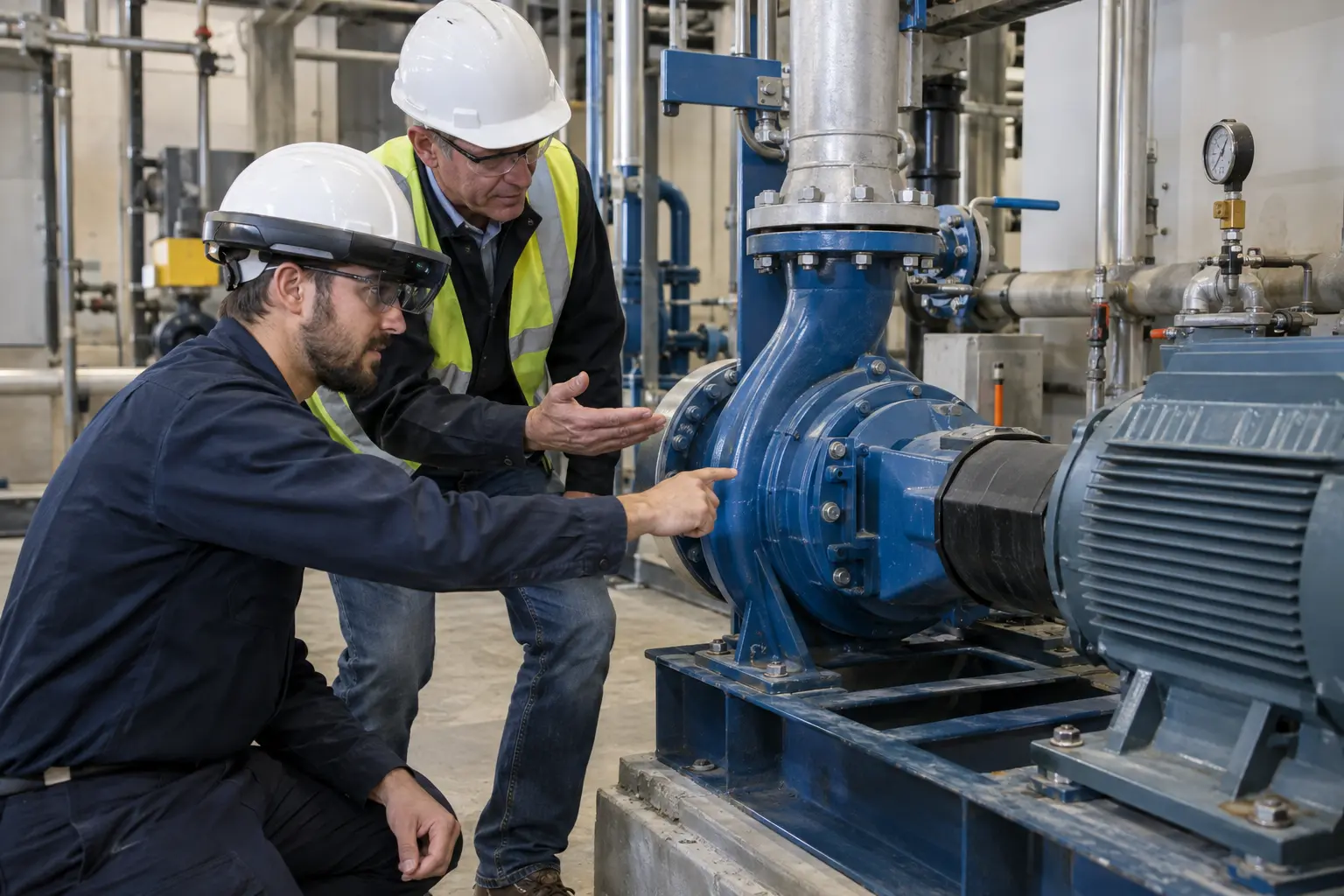 Guidance at the actual machine helps learners connect each instruction to the component and action in front of them.
The training role
A manual can explain a procedure, but the learner still has to connect each instruction to the correct component, tool, position, and machine state. AR guidance keeps that information in the learner's field of view while the real equipment remains visible.
The experience can identify components, present each approved step, show reference material, and require confirmation before the learner continues. A supervisor can observe and explain the task without replacing direct instruction or safe work controls.
Practice areas
Guidance can be tailored to the machine, task, learner role, and amount of support appropriate for the session.
Identify major assemblies, controls, access points, hazards, and the intended work area.
Present the approved order of work and keep the current instruction visible while the learner acts.
Use spatial cues to connect a written instruction to the correct real component.
Display diagrams, specifications, tool information, or short demonstrations when they are needed.
Prompt the learner to confirm machine state, measurements, alignment, or completion criteria.
Let a trainer observe progress, discuss a decision, and add context at the equipment.
Scenario design
The amount of help can change as the learner gains experience, from full guidance to brief prompts or reference only.
Introduce the equipment, work area, sequence, and required checks with detailed guidance.
Complete the task on the real machine with instructions and references available at each step.
Remove some guidance so the learner recalls more of the procedure while retaining essential references.
Let a supervisor use a shared view or nearby display to discuss what the learner is seeing.
Program configuration
The content can reflect your equipment, approved work instructions, terminology, tools, and documentation requirements.
AR Machine Guidance supports instruction and procedure use. It does not replace lockout, guarding, permits, qualified supervision, manufacturer instructions, required PPE, or verification that the machine is in a safe condition for training.
View all training modulesAR Machine Guidance planning
Share the audience, work environment, current procedure, and training goals. We can define the right scenarios, feedback, assessment, and deployment model for your organization.
Request a demo